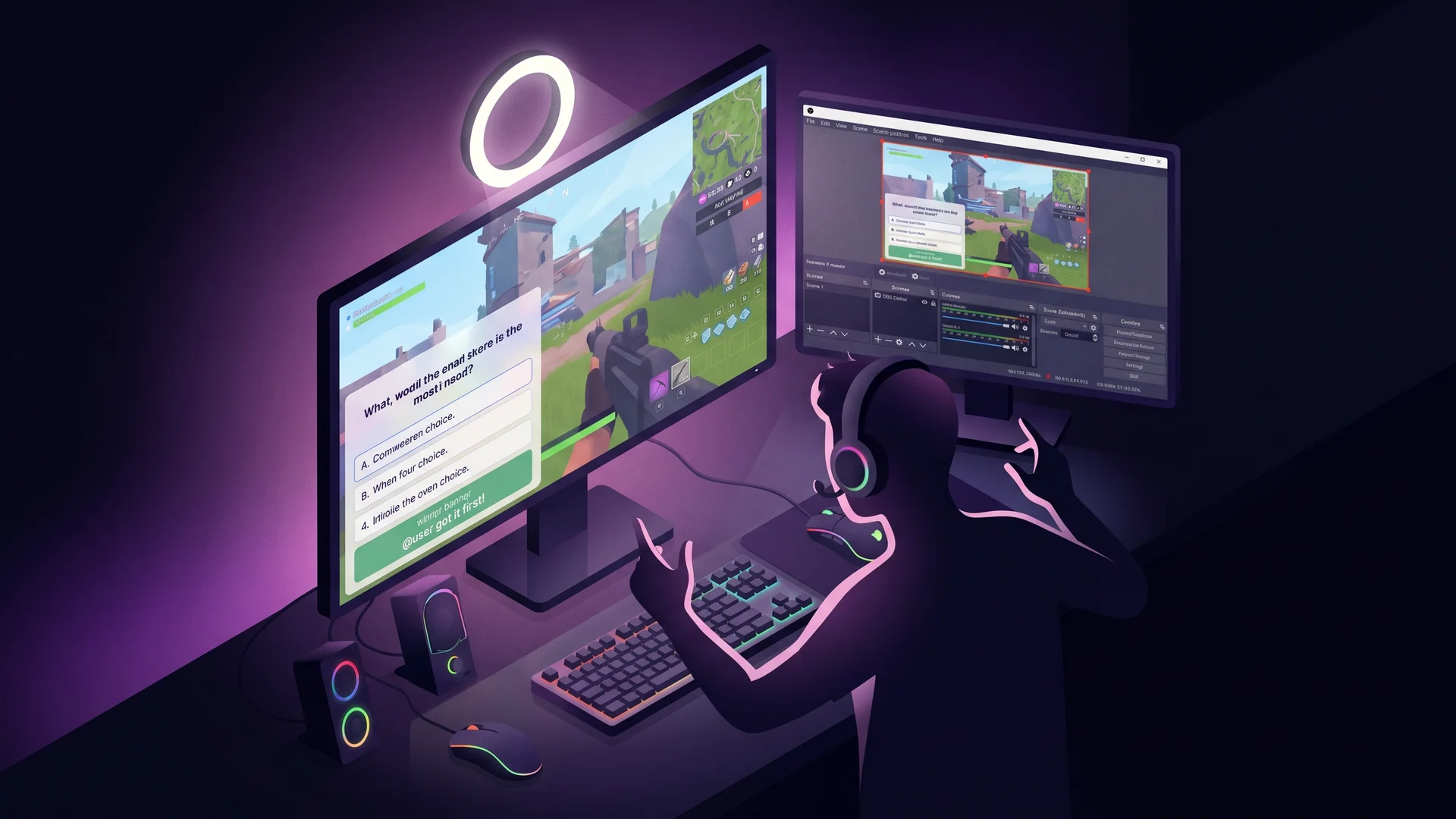
Twitch trivia overlay with OBS browser source#
Streamers care about one metric: chat-per-minute. Anything that gets viewers to type increases the chat scroll and signals “this stream is alive” to Twitch’s discovery algorithm. Trivia rounds are the highest-engagement chat mechanic you can run — viewers compete in chat, the streamer reacts, the chatter loop self-sustains. This guide builds a working trivia overlay you drop into OBS as a Browser Source and a tiny Node script that listens to Twitch IRC and scores the first correct answer.
About 150 lines of code: one HTML page (renders the question + winner banner) + one Node script (Twitch IRC client + QuizBase fetch + scoring). No streaming SDK, no complicated OAuth flow — just plain WebSocket IRC and a couple of HTTP endpoints.
What you’ll build#
A Twitch stream setup with:
- Browser Source URL added to OBS → renders an HTML page with current question + four answer choices + winner banner on reveal
- Chat command
!start(streamer-only) triggers a new round - Viewers type the letter (A/B/C/D) in chat to answer
- First correct viewer’s name appears on stream as the winner
- Round timeout (30s) — if nobody got it right, “Nobody won, here’s the answer” banner
- No-repeat per stream —
seenIds: Setso 4-hour stream doesn’t repeat trivia - Per-question attribution on the overlay (Source: … ) — license compliance baked in
The mechanic — IRC + per-stream dedup with stable IDs#
The Node script holds the game state in memory for the duration of the stream. When a viewer types B in chat (matching question 1’s correct choice letter), client.on('message') fires, your script checks against the current round’s correct letter, declares a winner, broadcasts to the overlay via WebSocket. Round resets. seenIds: Set<string> ensures the same question doesn’t appear twice in a 4-hour streaming session.
Same pattern as the Slack/Discord bot and MCP Slack agent variant — per-context dedup using stable QuizBase IDs. See /docs/api/questions-by-id for the full client-mechanics catalogue.
Stack#
- Node.js 20+ —
wsfor the overlay WebSocket +tmi.jsfor Twitch IRC (or vanillawsif you want zero deps) - OBS Studio — adds a “Browser Source” pointing at
http://localhost:8080/overlay.html - Twitch chat OAuth token — generate at twitchapps.com/tmi (one-time, free, no developer account)
- QuizBase publishable key (
qb_pk_*) — free tier handles ~125 rounds/day, comfortable for daily streamers
Step 1 — Twitch chat OAuth + dependencies#
Get your chat OAuth token from twitchapps.com/tmi — sign in with your Twitch account, copy the oauth:... string. It’s a chat-only token, can’t make destructive changes to your channel.
mkdir twitch-trivia && cd twitch-trivia
npm init -y
npm install ws tmi.js.env:
TWITCH_USER=yourusername
TWITCH_OAUTH=oauth:abc123...
TWITCH_CHANNEL=yourchannel
QUIZBASE_KEY=qb_pk_...
PORT=8080
Step 2 — Tiny WebSocket server for OBS overlay#
// server.ts
import { WebSocketServer, WebSocket } from 'ws';
import http from 'node:http';
import fs from 'node:fs';

const PORT = Number(process.env.PORT ?? 8080);

const httpServer = http.createServer((req, res) => {
	if (req.url === '/overlay.html') {
		fs.createReadStream('./overlay.html').pipe(res);
		return;
	}
	res.writeHead(404).end();
});

const wss = new WebSocketServer({ server: httpServer });
const overlayConnections = new Set<WebSocket>();

wss.on('connection', (ws) => {
	overlayConnections.add(ws);
	ws.on('close', () => overlayConnections.delete(ws));
});

export function broadcast(payload: unknown) {
	const msg = JSON.stringify(payload);
	for (const ws of overlayConnections) {
		if (ws.readyState === WebSocket.OPEN) ws.send(msg);
	}
}

httpServer.listen(PORT, () => console.log(`Overlay on http://localhost:${PORT}/overlay.html`));
Step 3 — Wire Twitch IRC + QuizBase fetch#
// twitch.ts
import tmi from 'tmi.js';
import { broadcast } from './server';

const KEY = process.env.QUIZBASE_KEY!;
const seenIds = new Set<string>();

let currentRound: { correctLetter: string; correctAnswer: string; winner?: string } | null = null;

async function fetchUnique(retries = 3) {
	for (let i = 0; i < retries; i++) {
		const r = await fetch('https://quizbase.runriva.com/api/v1/questions/random', {
			headers: { 'X-API-Key': KEY }
		});
		const { data } = (await r.json()) as { data: Array<{ id: string; text: string; correctAnswer: string; incorrectAnswers: string[]; attribution: { author: string; license: string } }> };
		const q = data[0];
		if (q && !seenIds.has(q.id)) {
			seenIds.add(q.id);
			return q;
		}
	}
	throw new Error('No fresh question after 3 retries');
}

const client = new tmi.Client({
	options: { debug: false },
	identity: { username: process.env.TWITCH_USER, password: process.env.TWITCH_OAUTH },
	channels: [process.env.TWITCH_CHANNEL!]
});

client.connect();

client.on('message', async (channel, tags, message, self) => {
	if (self) return;
	const lower = message.trim().toLowerCase();
	const isStreamer = tags.username === process.env.TWITCH_CHANNEL!.toLowerCase();

	// Streamer command: start a new round
	if (lower === '!start' && isStreamer) {
		const q = await fetchUnique();
		const choices = [q.correctAnswer, ...q.incorrectAnswers].sort(() => Math.random() - 0.5);
		const correctIndex = choices.indexOf(q.correctAnswer);
		const correctLetter = 'abcd'[correctIndex];
		currentRound = { correctLetter, correctAnswer: q.correctAnswer };

		broadcast({
			type: 'question',
			text: q.text,
			choices,
			attribution: q.attribution
		});

		// Auto-reveal after 30s if no winner
		setTimeout(() => {
			if (currentRound && !currentRound.winner) {
				broadcast({ type: 'reveal', winner: null, correctAnswer: currentRound.correctAnswer });
				currentRound = null;
			}
		}, 30000);
	}

	// Viewer answer attempt: single letter A/B/C/D
	if (currentRound && !currentRound.winner && ['a', 'b', 'c', 'd'].includes(lower)) {
		if (lower === currentRound.correctLetter) {
			currentRound.winner = tags['display-name'] || tags.username;
			broadcast({
				type: 'reveal',
				winner: currentRound.winner,
				correctAnswer: currentRound.correctAnswer
			});
			currentRound = null;
		}
	}
});
Step 4 — Overlay HTML (rendered by OBS Browser Source)#
<!-- overlay.html -->
<!doctype html>
<html>
	<head>
		<style>
			body {
				margin: 0;
				font: 18px/1.4 system-ui;
				background: transparent;
				color: #fff;
				text-shadow: 0 1px 2px #000;
			}
			#card {
				position: absolute;
				bottom: 20px;
				left: 20px;
				width: 360px;
				padding: 16px;
				background: rgba(0, 0, 0, 0.65);
				border-radius: 12px;
			}
			.choice {
				margin: 4px 0;
			}
			.winner {
				background: #2e7d32;
				padding: 4px 8px;
				border-radius: 6px;
				display: inline-block;
				margin-top: 8px;
			}
			.attribution {
				font-size: 11px;
				opacity: 0.6;
				margin-top: 8px;
			}
		</style>
	</head>
	<body>
		<div id="card" style="display:none">
			<div id="question"></div>
			<div id="choices"></div>
			<div id="winner-banner"></div>
			<div class="attribution" id="attribution"></div>
		</div>
		<script>
			const ws = new WebSocket('ws://localhost:8080');
			ws.onmessage = (e) => {
				const msg = JSON.parse(e.data);
				const card = document.getElementById('card');
				if (msg.type === 'question') {
					card.style.display = 'block';
					document.getElementById('question').textContent = msg.text;
					document.getElementById('choices').innerHTML = msg.choices
						.map((c, i) => `<div class="choice">${'ABCD'[i]}. ${c}</div>`)
						.join('');
					document.getElementById('winner-banner').innerHTML = '';
					document.getElementById('attribution').textContent =
						`Source: ${msg.attribution.author} (${msg.attribution.license})`;
				}
				if (msg.type === 'reveal') {
					document.getElementById('winner-banner').innerHTML = msg.winner
						? `<span class="winner">🏆 ${msg.winner} got it first!</span>`
						: `<span>Answer: ${msg.correctAnswer}</span>`;
					setTimeout(() => (card.style.display = 'none'), 8000);
				}
			};
		</script>
	</body>
</html>
The .attribution line is required. QuizBase content ships under CC BY-SA / CC BY / MIT, and showing source on-stream is the compliance requirement. See /data for full rules.
Step 5 — Add to OBS#
In OBS Studio: Sources → Add → Browser. URL: http://localhost:8080/overlay.html. Width 400, Height 200. Position bottom-left. Refresh button to reload after code changes.
Start the Node script (node server.js && node twitch.js), type !start in your Twitch chat, watch the overlay appear. Viewers type B (or whichever letter matches the correct answer), first correct wins.
Pitfalls#
- OBS Browser Source caches aggressively — after code changes, right-click the source → “Refresh cache of current page”. Otherwise you see stale CSS.
- Twitch chat rate limit — your bot account (the user that the OAuth token represents) is limited to 100 messages per 30 seconds. Auto-reveals + winner banners can hit this on busy streams. Throttle on the script side if you see bot bans.
overlay.htmlWebSocket reconnect — if the Node script crashes, the overlay loses connection. Add reconnect logic in the JS for production reliability.seenIdsevaporates on script restart — for marathon streams, persist to disk. Most streams are under 4 hours, in-memory is fine.
What next#
- Streamer category preference —
!start animalssets?category=animalsfor the next batch - Persistent viewer leaderboard — store wins per viewer username in a JSON file, surface “top trivia chatter this week” on stream
- Bits-for-question — viewers who Cheer with Bits get to pick the next category. Use Twitch Helix API to listen for cheer events.
- Pair with Discord activity Kahoot-style — same trivia content, different platform, fans in Discord between streams
Ready to set up? Grab a free publishable key (500 req/day, no card), a Twitch chat OAuth token, paste the snippets, start your next stream with !start. Bug in a question? You can post a Twitch chat command !report that calls POST /api/v1/report by the active question ID.