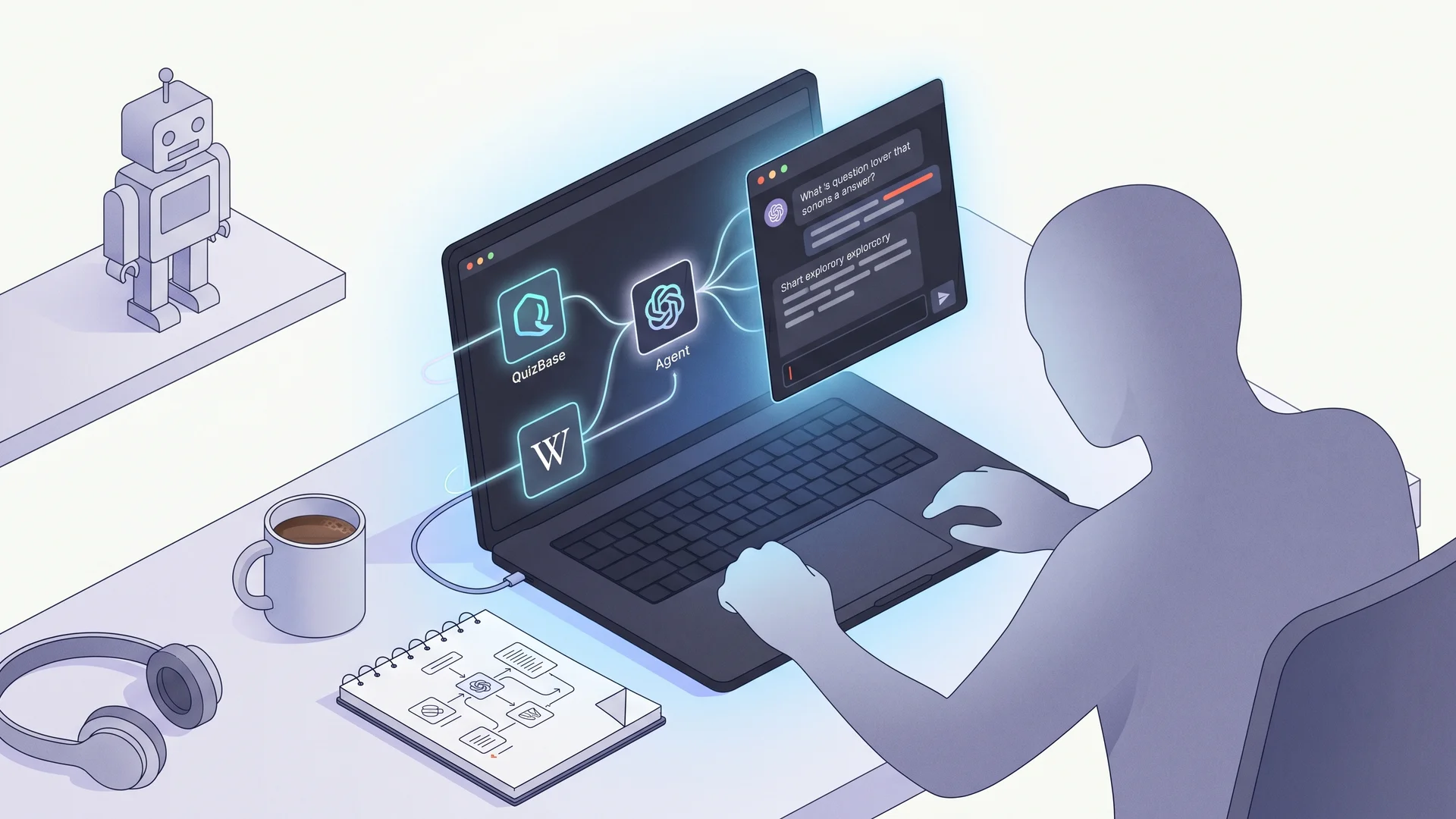
Multi-MCP agent — QuizBase plus a second source for learning mode#
The single-purpose trivia bot is fine. The interesting move is composition: same agent talks to QuizBase MCP for the question, a second MCP server for the explainer, your internal docs MCP for context. The user gets trivia with a learning-mode toggle that surfaces “why is this the answer” without you writing a single line of content. This guide wires the two-MCP composition (QuizBase + a second source) in about 80 lines of TypeScript using the Claude Agent SDK.
This is the natural follow-up to the single-MCP Claude.ai Project setup and the MCP Slack bot. Same Claude Agent SDK, but instead of one MCP server we wire two, and let the model decide when to fetch each.
What you’ll build#
A Node CLI that:
- Connects to two MCP servers — QuizBase at
quizbase.runriva.com/mcpand a second MCP server for explainers (there is no official Wikipedia MCP server, so we use the official filesystem reference server pointed at a folder of notes; swap in any MCP server you control) - Single user turn: “Quiz me on Roman history. Explain why each answer is correct.”
- Agent decides per turn which tool to call —
quizbase_randomfor the question, then the notes server’sread_file/search_filesfor the explainer - Learning mode toggle — system prompt branches: “casual” returns just the question, “study” returns question + notes explainer per round
- Stable IDs so users can ask “explain question 01HXY… again later” without re-quizzing
The mechanic — model-driven tool selection#
The Claude Agent SDK gives the model both servers’ tools in one combined tool catalogue. The model picks based on the user’s intent inside its own reasoning loop — you don’t write if (study_mode) { fetch_explainer(); }. The agent’s system prompt sets the policy, the tool calls happen autonomously.
The stable question ID is the bridge between the two servers: the agent gets { id, text, ... } from QuizBase, parses out the topic, then calls the notes server’s search_files/read_file to find a matching explainer paragraph. The agent can later “explain question 01HXY… again” by calling quizbase_question_by_id + another notes lookup. See /docs/api/questions-by-id for the ID-driven pattern catalogue.
Stack#
- Node.js 20+ + Claude Agent SDK (
@anthropic-ai/claude-agent-sdk) - QuizBase MCP at
https://quizbase.runriva.com/mcp(Streamable HTTP, Bearer withqb_pk_*) - A second MCP server — any stdio or HTTP server you control; this guide uses the official filesystem reference server as a working example, run locally via stdio
- Anthropic API key — for Claude (the agent runtime itself)
Step 1 — Get keys and install dependencies#
- QuizBase publishable key — create in dashboard. Free tier 500 req/day.
- Anthropic API key — console.anthropic.com. Claude Sonnet is plenty for trivia composition.
- A second MCP server — there is no official reference Wikipedia MCP server, so pair QuizBase with any stdio or HTTP MCP server you control. For a guaranteed-to-run example, the official filesystem reference server works out of the box (point it at a folder of explainer notes):
# Runs on demand via npx — no global install needed:
npx -y @modelcontextprotocol/server-filesystem /path/to/your/notes
Browse the official reference servers (filesystem, memory, fetch, git, …) at github.com/modelcontextprotocol/servers. The example below uses the filesystem server as the second source; swap in your own explainer/knowledge MCP server the same way. The second server runs over stdio (local subprocess), QuizBase over HTTP. The Claude Agent SDK handles both transports transparently.
Step 2 — Wire two MCP servers in one Agent#
The Claude Agent SDK exports a query() function (not a class) — pass MCP servers in options.mcpServers and iterate the returned async message stream. Allowed tools are prefixed mcp__<serverName>__<toolName>:
// src/agent.ts
import { query } from '@anthropic-ai/claude-agent-sdk';

const BASE_SYSTEM_PROMPT = `You are a trivia tutor with access to QuizBase and a local notes server.
When the user asks for a quiz:
1. Call quizbase_random with their filters (category, difficulty).
2. Present the question with 4 shuffled choices (A-D).
3. Wait for their answer.
4. Reveal the correct answer with source attribution (author + license).
5. If they're in "study mode", call the filesystem tools (read_file / search_files)
   to pull a 2-3 paragraph explainer from your notes folder. Render inline.

Always show the QuizBase attribution line — it's a license compliance requirement.
Attribute any explainer content to its own source.`;

const MCP_SERVERS = {
	quizbase: {
		type: 'http' as const,
		url: 'https://quizbase.runriva.com/mcp',
		headers: { Authorization: `Bearer ${process.env.QUIZBASE_KEY}` }
	},
	// Second source: any stdio or HTTP MCP server you control. This example uses
	// the official filesystem reference server pointed at a folder of explainer notes.
	notes: {
		type: 'stdio' as const,
		command: 'npx',
		args: ['-y', '@modelcontextprotocol/server-filesystem', '/path/to/your/notes']
	}
};

const ALLOWED_TOOLS = [
	'mcp__quizbase__quizbase_random',
	'mcp__quizbase__quizbase_question_by_id',
	'mcp__notes__read_file',
	'mcp__notes__search_files'
];

export async function askAgent(prompt: string, mode: 'casual' | 'study'): Promise<string> {
	const systemPrompt =
		mode === 'study' ? BASE_SYSTEM_PROMPT + '\n\nMode: STUDY. Always include the notes explainer.' : BASE_SYSTEM_PROMPT;

	for await (const message of query({
		prompt,
		options: { mcpServers: MCP_SERVERS, allowedTools: ALLOWED_TOOLS, systemPrompt, maxTurns: 6 }
	})) {
		if (message.type === 'result' && message.subtype === 'success') {
			return message.result;
		}
	}
	throw new Error('Agent did not produce a result message');
}
The two mcpServers keys (quizbase and notes) become tool prefixes in the agent’s combined catalogue. The model picks tools based on its understanding of the user’s intent, no explicit routing in your code.
Step 3 — Casual vs study mode toggle#
The mode is part of the systemPrompt passed to each query() call — pick it per turn so the user can switch freely:
// On user opt-in to study mode:
const reply = await askAgent('Quiz me on Roman history.', 'study');
The model interprets the system prompt naturally and calls the notes server after each QuizBase question. Users can mix modes mid-session — every query() call is a fresh exchange, so flipping mode on the next turn just works.
Step 4 — Run a quiz turn#
// src/main.ts
import { askAgent } from './agent';
import readline from 'readline';

const rl = readline.createInterface({ input: process.stdin, output: process.stdout });
let mode: 'casual' | 'study' = 'casual';

async function main() {
	console.log('Multi-MCP trivia. Type "study" or "casual" to switch mode, then your category.\n');

	rl.on('line', async (input) => {
		const trimmed = input.trim().toLowerCase();
		if (trimmed === 'study' || trimmed === 'casual') {
			mode = trimmed;
			console.log(`(mode → ${mode})`);
		} else {
			const result = await askAgent(input, mode);
			console.log('\n' + result + '\n');
		}
		rl.prompt();
	});
	rl.prompt();
}

main();
Sample session:
> quiz me on roman history, study mode
[Agent calls quizbase_random?category=history -> gets {id: 01HXY, text: "Who was the first Roman emperor?", ...}]
[Agent presents question + 4 choices]
> B
[Agent confirms "Correct! Augustus."]
[Agent calls notes search_files("Augustus Roman emperor") -> read_file("augustus.md")]
[Agent renders explainer paragraph]
[Both attributions on screen — QuizBase + your notes source]
Step 5 — Add the stable-ID retrieval pattern#
Let users come back tomorrow with a question ID and re-explore. Append to the system prompt:
If the user provides a question id like "01HXY..." (UUID format), call
quizbase_question_by_id with that UUID to retrieve the exact question,
then the notes server for fresh context. Always echo the id back so they
can revisit again.
Tomorrow’s session:
> remind me about question 01HXY...
[Agent calls quizbase_question_by_id?id=01HXY...]
[Renders the same question + notes lookup again]
The stable id is the persistent handle. The agent reasoning + the two MCP servers compose every time. No session storage, no cache, the data layer handles continuity.
Pitfalls#
- The second server’s latency is its own — a remote explainer source can be slow. For a polished UX wrap explainer calls in a 5s timeout and fall back to “skip explainer if the source is slow”.
- Attribution is per-source — show the QuizBase attribution AND the explainer source’s attribution on the same screen. Don’t merge them; render separate
Source: ...lines. - Free tier QuizBase = 500 req/day. A study-mode session = 1 QuizBase + N explainer lookups per turn — only QuizBase counts against the quota. ~50 study-mode rounds/day on free tier.
- Mixing model versions — if you set
model: 'claude-haiku-4-5', tool use still works but tool selection can be more rigid. Sonnet or Opus is better for the “decide between two MCPs per turn” reasoning.
What next#
- Add a third MCP server — your team’s internal docs, your customer’s knowledge base. The agent now composes three sources per turn.
- Voice frontend — wrap the agent in a Twilio Voice or Discord voice channel. The two-MCP composition is unchanged.
- Multi-language (EN/PL) — question content comes from the record’s own
language; map a set across languages with?ids=…&content_language=pl(?lang=only localizes labels). Point your explainer source at language-specific material to match. See languages and translations. - Pair with Slack bot — same two-MCP composition, Slack channel as the surface. Daily question + explainer, 1 message per round.
Ready to compose? Grab a free publishable key, install the SDK, copy the agent config, type “quiz me on Renaissance art” and watch the two MCPs harmonize. Bug in a question? quizbase_report is one tool call away — the agent already has it.