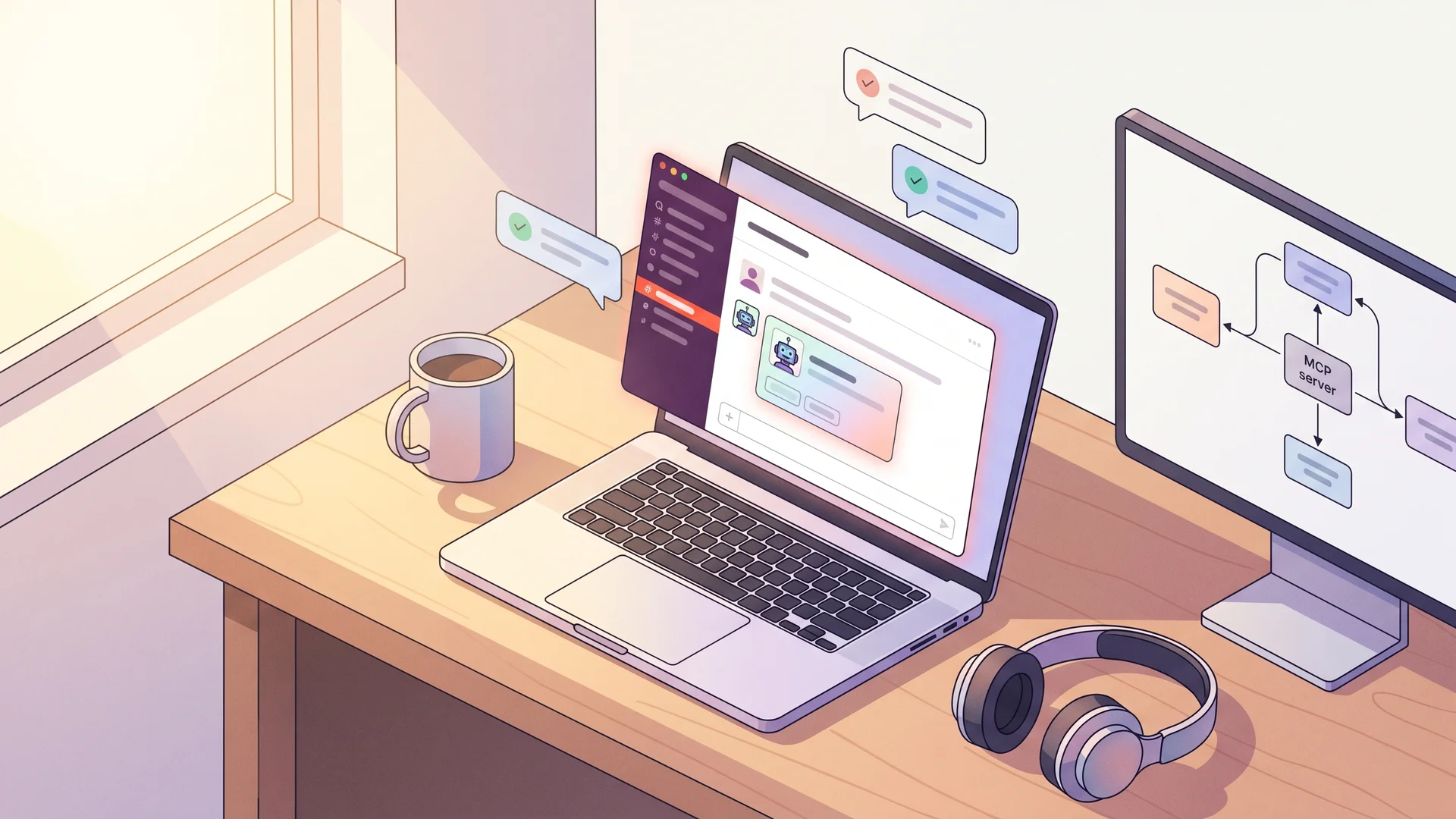
MCP-powered Slack trivia bot for your team#
Your team Slack already has a #random channel that lives off whatever someone happens to paste in. This guide replaces that with a bot that asks the channel a fresh trivia question every morning at 10am, scores the first correct answer, and posts a weekly leaderboard on Friday — all without you copy-pasting questions or maintaining a database of trivia.
The trivia comes from QuizBase via the Model Context Protocol (MCP). The bot itself is a thin layer: Slack Bolt SDK for the wire protocol, an agent runtime (Claude Agent SDK in this guide, but LangChain or Vercel AI SDK work too) that calls the QuizBase MCP server, and a tiny in-memory state machine. End-to-end: about 80 lines of TypeScript.
What you’ll build#
A Slack app installed in one workspace with these behaviours:
- 10am Monday–Friday — bot picks a question (medium difficulty, mixed categories), posts it to the configured channel, and remembers the correct answer
- Threaded replies are scored — first user to post the correct answer wins the round; bot reacts with ✅ and adds them to the weekly tally
- Friday 4pm — bot posts the week’s leaderboard and resets
- No question repeats — bot tracks which question IDs went to each channel in a
Map<channelId, Set<questionId>>so a#generalround can never see a question that already aired there. Stable IDs (UUID v7) make this a one-liner. See/docs/api/questions-by-idfor the response shape.
The mechanic — stable IDs make dedup trivial#
This is the pattern that makes the bot non-trivially useful. QuizBase returns a stable question.id (UUID v7) on every fetch. The bot keeps channelHistory: Map<channelId, Set<questionId>> in memory (or Redis for production). On each round:
- Agent calls
quizbase_randomfor one question, gets{ id, text, correctAnswer, incorrectAnswers, attribution } - Bot checks
channelHistory.get(channelId)?.has(id)— if seen, refetch (up to 3 retries); free tier has 500 req/day so retries are cheap - Bot posts the question, stores
idin the channel set, schedules reveal for next morning - Channel #general today never gets a question that was posted there last Tuesday — the dedup is one
.has()call, no extra API state
The same pattern powers the Reddit weekly trivia bot and Twitch overlays — see /docs/api/questions-by-id for the canonical “stable IDs enable client-side mechanics” pattern reference.
Stack#
- Slack Bolt for JavaScript (TypeScript) — the standard Slack SDK, handles signing secret + Socket Mode + Block Kit
- Claude Agent SDK for Node.js — the runtime that calls the MCP server (you can swap for Vercel AI SDK with
experimental_createMCPClient, the code is similar) - QuizBase MCP —
https://quizbase.runriva.com/mcp, Bearer auth with aqb_pk_*key node-cronor your platform’s scheduler (Vercel Cron, Cloud Run Jobs, Railway Cron)- Free tier QuizBase key — 500 req/day is roughly 25 channels × 1 question × 5 days plus weekly leaderboard fetches, with headroom. Upgrade only if you scale past 50 active channels.
Step 1 — Set up the Slack app#
In api.slack.com/apps, create an app from scratch and grab three values:
- Bot Token (
xoxb-...) —chat:write,reactions:write,channels:history,app_mentions:read - Signing Secret — the long hex string under “Basic Information”
- App-Level Token (
xapp-...) — enable Socket Mode, give itconnections:write
Add the bot to your target channel with /invite @triviabot. Skip OAuth distribution — single-workspace install is enough for an internal team bot.
Step 2 — Wire QuizBase MCP into a Claude Agent#
Install dependencies:
npm install @slack/bolt @anthropic-ai/claude-agent-sdk node-cronThe Claude Agent SDK exports a query() function (not a class) — you pass it a prompt plus options, and iterate the async message stream. MCP servers are declared in options.mcpServers; the SDK handles the protocol handshake. Allowed tools are prefixed with mcp__<serverName>__:
// src/agent.ts
import { query } from '@anthropic-ai/claude-agent-sdk';

const MCP_SERVERS = {
	quizbase: {
		type: 'http' as const,
		url: 'https://quizbase.runriva.com/mcp',
		headers: { Authorization: `Bearer ${process.env.QUIZBASE_KEY}` }
	}
};

const ALLOWED_TOOLS = [
	'mcp__quizbase__quizbase_random',
	'mcp__quizbase__quizbase_question_by_id'
];

export async function fetchQuestion(): Promise<string> {
	for await (const message of query({
		prompt: 'Fetch one medium-difficulty trivia question from quizbase_random. Return the raw JSON tool response only.',
		options: { mcpServers: MCP_SERVERS, allowedTools: ALLOWED_TOOLS, maxTurns: 2 }
	})) {
		if (message.type === 'result' && message.subtype === 'success') {
			return message.result;
		}
	}
	throw new Error('Agent did not produce a result message');
}
The full MCP tool catalogue (12 names) lives at /docs/sdks/mcp-server. Prefix each name with mcp__quizbase__ to use it in allowedTools.
Step 3 — Daily scheduler with no-repeat dedup#
The scheduler fetches a question, checks the per-channel history, retries on collision, and posts:
// src/scheduler.ts
import cron from 'node-cron';
import { app } from './slack';
import { fetchQuestion } from './agent';

const CHANNELS = ['C12345']; // your channel IDs
const channelHistory = new Map<string, Set<string>>();

async function fetchUniqueQuestion(channelId: string, retries = 3) {
	const seen = channelHistory.get(channelId) ?? new Set<string>();
	for (let i = 0; i < retries; i++) {
		const result = await fetchQuestion();
		const { data } = JSON.parse(result) as { data: Array<{ id: string; text: string; correctAnswer: string; incorrectAnswers: string[]; attribution: { author: string; source: string; license: string; licenseVersion: string | null; licenseUrl: string | null; sourceId: string; url: string | null; modifications: string[]; lastModified: string } }> };
		const q = data[0];
		if (q && !seen.has(q.id)) {
			seen.add(q.id);
			channelHistory.set(channelId, seen);
			return q;
		}
	}
	throw new Error('Could not find an unseen question in 3 retries');
}

cron.schedule('0 10 * * 1-5', async () => {
	for (const channelId of CHANNELS) {
		const q = await fetchUniqueQuestion(channelId);
		const choices = [q.correctAnswer, ...q.incorrectAnswers]
			.sort(() => Math.random() - 0.5)
			.map((c, i) => `${'ABCD'[i]}. ${c}`)
			.join('\n');
		await app.client.chat.postMessage({
			channel: channelId,
			text: `🧠 *Trivia time:* ${q.text}\n\n${choices}\n\n_Source: <${q.attribution.url}|${q.attribution.source}> — ${q.attribution.author} · <${q.attribution.licenseUrl}|${q.attribution.license}>_`
		});
	}
});
The attribution line at the bottom is required for compliance — QuizBase ships CC BY-SA, CC BY, and MIT-licensed questions, and every redistribution must surface the source. The content licensing page has the full rules.
Step 4 — Score the first correct reply#
A message event listener watches the question’s thread and reacts to the first matching reply:
import { app } from './slack';

const activeRounds = new Map<string, { correctAnswer: string; winner?: string }>();

app.message(async ({ message, client }) => {
	if (message.subtype || !message.thread_ts) return;
	const round = activeRounds.get(message.thread_ts);
	if (!round || round.winner) return;

	if (message.text?.toLowerCase().trim() === round.correctAnswer.toLowerCase()) {
		round.winner = message.user;
		await client.reactions.add({
			channel: message.channel,
			timestamp: message.ts,
			name: 'white_check_mark'
		});
	}
});
Save activeRounds.set(message.ts, { correctAnswer }) right after posting the question (return value from chat.postMessage).
Step 5 — Friday leaderboard#
Persist scores per user-per-week (Redis or a flat JSON file works for one workspace), and post a recap on Friday afternoon:
cron.schedule('0 16 * * 5', async () => {
	const top = Object.entries(weekScores)
		.sort(([, a], [, b]) => b - a)
		.slice(0, 5);
	const leaderboard = top.map(([user, score], i) => `${i + 1}. <@${user}> — ${score}`).join('\n');
	await app.client.chat.postMessage({
		channel: CHANNELS[0],
		text: `🏆 *This week's trivia leaderboard:*\n${leaderboard}\n\nReset Monday.`
	});
	weekScores = {};
});Pitfalls#
- In-memory state evaporates on restart. For production move
channelHistoryandweekScoresto Redis or a SQLite file. Replit / Vercel cold starts will wipe the Map. - Bolt’s
app.messagelistener fires for every message in every channel the bot is in. Filter early or you’ll burn CPU on#generalchatter. Themessage.thread_tscheck above handles most of it. quizbase_randomreturnscorrectAnswerandincorrectAnswersas separate fields, never a pre-shuffledchoicesarray. Your bot must shuffle client-side — the response format is documented.- Rate limits are per-account, not per-key. If you have 5 channels firing at 10am, that’s 5 requests in one second — well under the 10-burst limit but worth knowing for scaling.
What next#
- Add more channels with topic-specific filters — Slack
#engineeringgets?tags=programming,#moviesgets?category=film. The agent picks tags automatically if you mention the channel topic in its system prompt. - Composable tools — wire a second MCP server (your team’s HR system, your wiki) and the same agent can pull “trivia tied to today’s calendar event” without code changes.
- Persistent leaderboard — store scores in Postgres and surface them via a
/leaderboardslash command.
Ready to wire it up? Grab a free publishable key (500 req/day, no credit card), copy the snippets above, point the scheduler at your channel, and ship before lunch. Question feedback? Each message can include a “report” button that calls quizbase_report — keeps the question bank improving.