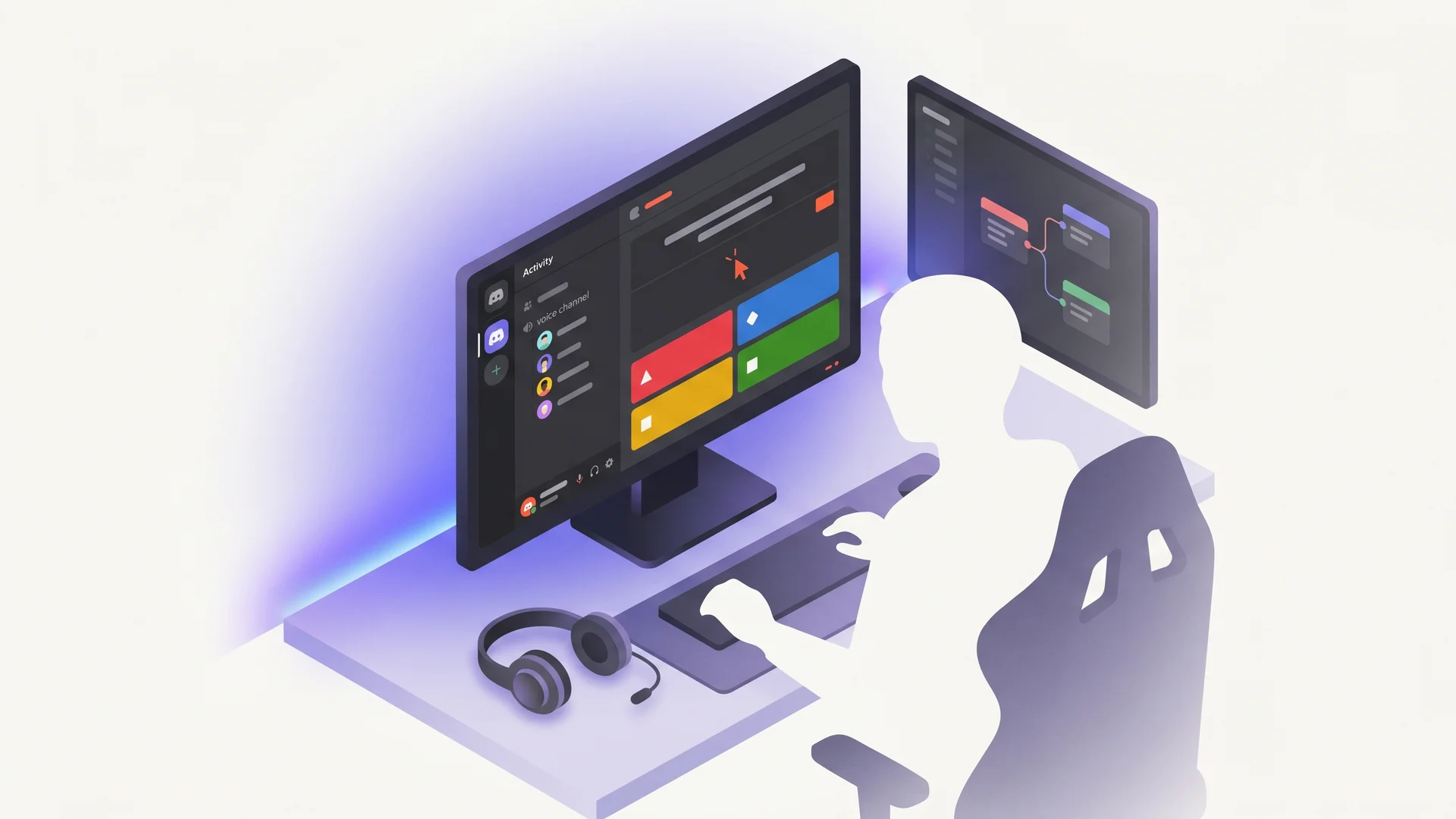
Discord Activity Kahoot-style trivia game tutorial#
Discord Activities let you embed a web app inside a Discord voice channel — players in the channel see the same game synchronised across all their clients. It’s the closest thing to “I built Kahoot but for my Discord server” that’s actually shippable. This guide wires QuizBase as the trivia backend and gives you a working multiplayer trivia round in about 150 lines of TypeScript.
The trick that makes this guide non-trivial: when two players in a channel both fetch a “random” question independently, they’ll get different questions and the game breaks. We use stable question IDs — Player A fetches, broadcasts the id via WebSocket, Player B calls /api/v1/questions/{id} with that UUID and gets the exact same question text, correct answer, and attribution. The sync problem is solved by the data layer, not by a beefy game-state server.
What you’ll build#
A Discord Activity that runs in a voice channel:
- Host launches the Activity — Discord client embeds your web app via iframe
- Players in the channel see the same trivia question — round starts when all join
- 5-second countdown, players tap a colored answer button (A/B/C/D — Kahoot UX), bot scores first correct
- Round of 10 questions, leaderboard at end, restart button
- Voice channel chatter stays open — players talk smack while playing
The mechanic — broadcast IDs, fetch by ID#
The Embedded App SDK gives you participant info and activity lifecycle, but no built-in message bus between participants — you supply that with an external realtime backend (a WebSocket server or hosted realtime service that every participant connects to). The pattern:
- Host (first player) calls
GET /api/v1/questions/randomand gets{ data: [{ id, text, correctAnswer, incorrectAnswers, attribution }], meta } - Host broadcasts the
id(just the UUID, not the answer) over your WebSocket server - Other players receive the message, call
GET /api/v1/questions/{id}themselves to fetch the same question - All players score independently — first to tap correct wins the round; the host coordinates rounds and aggregates scores through the same WebSocket relay
This is the same broadcast-ID pattern the multiplayer realtime quiz uses for browser PvP — your WebSocket server is the message bus. See /docs/api/questions-by-id for the canonical reference of stable-ID client mechanics.
Stack#
- Discord Embedded App SDK (
@discord/embedded-app-sdk) — the official TypeScript SDK - Vite + React (or vanilla TS) — anything that builds to static HTML/JS
- QuizBase REST —
qb_pk_*publishable key, free tier 500 req/day handles ~50 rounds × 10 questions - A hosting endpoint that Discord can iframe — Vercel, Cloudflare Pages, Railway
Step 1 — Create a Discord Application with Activities enabled#
Go to discord.com/developers/applications and create a new application. In the sidebar pick Activities → Enable Activities (one-time toggle, sometimes hidden behind a “request access” form). Note:
- Client ID — your app’s public identifier (paste into Embedded App SDK init)
- Public Key — for verifying Discord interactions
- OAuth2 redirect URI —
https://<your-hosting>.vercel.app/(or wherever you deploy)
Under OAuth2 → Scopes, enable identify and guilds.members.read. Under Activities → URL Mappings, add a default mapping pointing to your dev URL (use Cloudflare Tunnel for local dev — Discord requires HTTPS).
Step 2 — Scaffold the Embedded App SDK project#
npm create vite@latest discord-trivia -- --template react-ts
cd discord-trivia
npm install @discord/embedded-app-sdk
In src/main.tsx, initialise the SDK before rendering. The Activity SDK is a singleton — you grab the same instance everywhere:
// src/main.tsx
import { DiscordSDK } from '@discord/embedded-app-sdk';
import ReactDOM from 'react-dom/client';
import App from './App';

const sdk = new DiscordSDK(import.meta.env.VITE_DISCORD_CLIENT_ID);

async function setup() {
	await sdk.ready();
	// Now we know which channel we're in + who else is here
	ReactDOM.createRoot(document.getElementById('root')!).render(<App sdk={sdk} />);
}

setup();
Step 3 — Wire QuizBase fetch with stable ID broadcast#
The host fetches a question and broadcasts the ID. Other players listen and fetch by ID:
// src/quiz.ts
import { DiscordSDK } from '@discord/embedded-app-sdk';

const KEY = import.meta.env.VITE_QUIZBASE_KEY; // qb_pk_*

export async function fetchRandomQuestion() {
	const r = await fetch('https://quizbase.runriva.com/api/v1/questions/random', {
		headers: { 'X-API-Key': KEY }
	});
	return r.json();
}

export async function fetchQuestionById(id: string) {
	const r = await fetch(`https://quizbase.runriva.com/api/v1/questions/${id}`, {
		headers: { 'X-API-Key': KEY }
	});
	return r.json();
}

export function broadcastQuestion(ws: WebSocket, questionId: string) {
	// broadcast via your WebSocket server — every participant connects to it
	// and the server relays this message to the rest of the room
	ws.send(JSON.stringify({ type: 'new_question', id: questionId }));
}
The correctAnswer field never crosses the wire from the host. Each client fetches it themselves from QuizBase — anti-cheat for free; your WebSocket server only relays the question id.
Step 4 — Round flow with countdown + scoring#
In App.tsx, the host launches a round, all players see the question land within a few ms of your WebSocket server relaying the id:
// src/App.tsx (excerpt)
// `ws` is a connection to YOUR realtime backend (WebSocket server / hosted service).
// Discord's SDK does not relay messages between participants — see the warning above.
export default function App({ sdk, ws }: { sdk: DiscordSDK; ws: WebSocket }) {
	const [question, setQuestion] = useState<Question | null>(null);
	const [timer, setTimer] = useState(5);
	const [score, setScore] = useState(0);
	const isHost = sdk.participants[0]?.id === sdk.user.id;

	async function startRound() {
		const q = await fetchRandomQuestion();
		if (isHost) broadcastQuestion(ws, q.id);
		setQuestion(q);
		runCountdown();
	}

	useEffect(() => {
		// Non-host: listen for the host's broadcast over your WebSocket server
		const handler = async (event: MessageEvent) => {
			const parsed = JSON.parse(event.data);
			if (parsed.type === 'new_question') {
				const q = await fetchQuestionById(parsed.id);
				setQuestion(q);
				runCountdown();
			}
		};
		ws.addEventListener('message', handler);
		return () => ws.removeEventListener('message', handler);
	}, [ws]);

	function runCountdown() {
		setTimer(5);
		const interval = setInterval(() => setTimer((t) => (t > 0 ? t - 1 : 0)), 1000);
		setTimeout(() => clearInterval(interval), 5000);
	}

	function answer(choice: string) {
		if (!question || timer === 0) return;
		if (choice === question.correctAnswer) setScore((s) => s + 1);
		// Broadcast my answer so leaderboard updates everywhere — via your WebSocket server
		ws.send(
			JSON.stringify({ type: 'answer', user: sdk.user.id, correct: choice === question.correctAnswer })
		);
	}

	if (!question) return <button onClick={startRound}>Start round</button>;

	const choices = [question.correctAnswer, ...question.incorrectAnswers].sort(
		() => Math.random() - 0.5
	);

	return (
		<div>
			<h1>{question.text}</h1>
			<p>Time: {timer}s</p>
			<div className="grid">
				{choices.map((c, i) => (
					<button key={i} onClick={() => answer(c)}>
						{'ABCD'[i]}. {c}
					</button>
				))}
			</div>
			<small>
				Source: {question.attribution.author} ({question.attribution.license})
			</small>
		</div>
	);
}
The <small> attribution line at the bottom is required for CC BY-SA / CC BY / MIT compliance — see the /data page for the full license rules.
Step 5 — Test locally then deploy#
Spin up Cloudflare Tunnel to expose localhost:5173 over HTTPS (Discord won’t iframe HTTP). In your Discord developer console, point the Activity’s URL mapping at the tunnel URL. Open your test server, find the voice channel, click the rocket icon → Add Activity → your Activity name. The iframe loads, players in the voice channel join, your host clicks “Start round”, everyone sees the question.
Deploy to Vercel or Cloudflare Pages for production. Update the URL mapping in the Discord console to the production URL. Done.
Pitfalls#
- The Embedded App SDK requires HTTPS even in dev. Use
cloudflaredorngrokor you’ll get a CORS error inside Discord’s iframe. sdk.participants[0]is not always the host — it’s whoever joined first. For deterministic host election, have each client announce its user id over your WebSocket server at activity-start and elect the lowest id.- Free QuizBase tier is 500 req/day. Each round = 1 random fetch + N fetches by ID (one per non-host player). For a 4-player game that’s 4 calls/round → ~125 rounds/day. See scaling guide.
- Attribution stays on screen. Don’t hide it behind a tooltip — Discord doesn’t enforce this but the upstream content licenses do.
What next#
- Categories voting — before each round, players vote on category via SDK message; host picks the winner and passes
?category=to QuizBase - Multilingual mode (EN/PL) — broadcast the round’s question IDs, then each client maps them to its language with
?ids=…&content_language=pl(same questions, not a re-draw). Note:?lang=only localizes labels, not question text - Persistent leaderboard — store scores in Vercel KV keyed by Discord guild ID; weekly recap message via Discord bot
- Twitch overlay variant — same game, different distribution: see Twitch stream overlay tutorial
Ready to wire it? Grab a free publishable key, discord.com/developers for the Activity, copy the snippets, ship before dinner. Bug in a question? Report it via POST /api/v1/report — moderation queue picks it up.