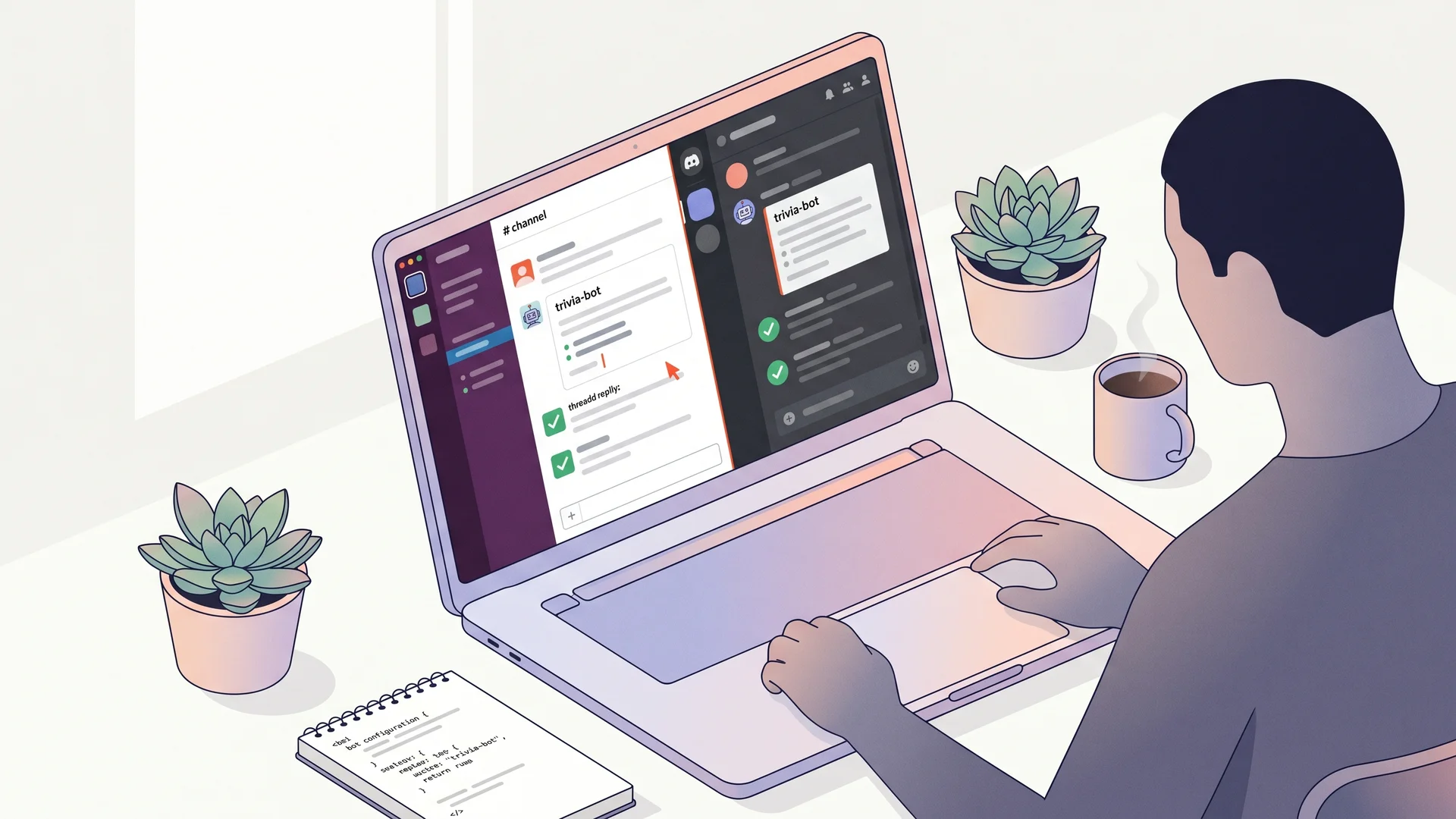
Slack and Discord daily trivia bot in Node.js#
A daily trivia bot is the most reliably engaging community ritual you can ship. Two questions a day, scored by first correct reply, weekly leaderboard on Friday — it works for an engineering team Slack, an after-school Discord club, a learning community on either platform. This guide builds it twice (once for Slack with Bolt SDK, once for Discord with discord.js) in plain Node.js, no agent runtime needed. About 100 lines per platform.
This is the no-MCP cousin of the MCP-powered Slack trivia bot. The MCP version is the right choice when you want composability with other tools (Wikipedia, your HR system) via an agent. This guide is the right choice when you want just trivia, minimal dependencies, fastest to ship.
What you’ll build#
A bot installed in one workspace/server with:
- Daily question at 10am — bot calls
GET /api/v1/questions/random, posts to your configured channel, remembers the correct answer - Reaction-based scoring — first user to reply with the correct letter (A/B/C/D) in the thread wins the round; bot reacts with ✅
- No-repeat dedup — bot tracks question IDs per channel in
Map<channelId, Set<questionId>>, refetches on collision (3 retries) - Weekly leaderboard Fridays at 4pm
- Per-channel topic —
#pythonchannel gets?tags=programming,#moviesgets?category=film, configurable in a JSON file
The mechanic — channel-keyed dedup with stable IDs#
QuizBase question IDs are UUID v7 — stable across the lifetime of the question. Per-channel dedup is one Set.has() call before posting:
const channelHistory = new Map<string, Set<string>>();

async function fetchUnique(channelId: string, retries = 3) {
	const seen = channelHistory.get(channelId) ?? new Set<string>();
	for (let i = 0; i < retries; i++) {
		const q = await fetchRandom();
		if (!seen.has(q.id)) {
			seen.add(q.id);
			channelHistory.set(channelId, seen);
			return q;
		}
	}
	throw new Error('No fresh question after 3 retries');
}
The same pattern is used by MCP Slack trivia bot’s agent variant and the Cursor pomodoro extension. See /docs/api/questions-by-id for the full client-mechanics catalogue.
Stack#
- Node.js 20+ — async/await first-class
@slack/boltfor Slack,discord.jsfor Discord — both are the official picksnode-cron— scheduling- QuizBase publishable key —
qb_pk_*, free tier 500 req/day is enough for 50+ channels × 2 questions/day
Step 1 — Set up the Slack app and credentials#
In api.slack.com/apps create a new app. Three values to copy:
- Bot Token (
xoxb-...) — scopes:chat:write,reactions:write,channels:history,app_mentions:read - Signing Secret — under “Basic Information”
- App-Level Token (
xapp-...) — enable Socket Mode (no public endpoint needed), scopeconnections:write
Invite the bot to a channel: /invite @triviabot.
Step 2 — Wire QuizBase fetch and channel state#
npm install @slack/bolt node-cron dotenv// src/quizbase.ts
const KEY = process.env.QUIZBASE_KEY!; // qb_pk_*
export async function fetchRandom() {
const r = await fetch('https://quizbase.runriva.com/api/v1/questions/random', {
headers: { 'X-API-Key': KEY }
});
if (!r.ok) throw new Error(`QuizBase ${r.status}`);
return r.json();
}
export const channelHistory = new Map<string, Set<string>>();
export async function fetchUnique(channelId: string, retries = 3) {
const seen = channelHistory.get(channelId) ?? new Set<string>();
for (let i = 0; i < retries; i++) {
const q = await fetchRandom();
if (!seen.has(q.id)) {
seen.add(q.id);
channelHistory.set(channelId, seen);
return q;
}
}
throw new Error('No fresh question after 3 retries');
}Step 3 — Daily scheduler with no-repeat dedup#
// src/scheduler.ts
import cron from 'node-cron';
import { app } from './slack';
import { fetchUnique } from './quizbase';

const CHANNELS = process.env.SLACK_CHANNELS!.split(',');
const activeRounds = new Map<string, { correctAnswer: string; winner?: string }>();

cron.schedule('0 10 * * 1-5', async () => {
	for (const channelId of CHANNELS) {
		try {
			const q = await fetchUnique(channelId);
			const choices = [q.correctAnswer, ...q.incorrectAnswers]
				.sort(() => Math.random() - 0.5)
				.map((c, i) => `${'ABCD'[i]}. ${c}`)
				.join('\n');
			const result = await app.client.chat.postMessage({
				channel: channelId,
				text: `🧠 *Trivia time:* ${q.text}\n\n${choices}\n\n_Source: ${q.attribution.author} · ${q.attribution.license}_`
			});
			activeRounds.set(result.ts!, { correctAnswer: q.correctAnswer });
		} catch (e) {
			console.error(`Failed to post to ${channelId}:`, e);
		}
	}
});
The _Source: ... line at the bottom is required — every QuizBase response includes an attribution object (author + license + url), and CC BY-SA / CC BY / MIT compliance requires surfacing it on every redistribution. See /data for the full attribution rules. Don’t skip it.
Step 4 — Score first correct reply#
// src/scoring.ts
import { app } from './slack';
import { activeRounds } from './scheduler';

const weekScores: Record<string, number> = {};

app.message(async ({ message, client }) => {
	if (message.subtype || !message.thread_ts) return;
	const round = activeRounds.get(message.thread_ts);
	if (!round || round.winner) return;

	if (message.text?.toLowerCase().trim() === round.correctAnswer.toLowerCase()) {
		round.winner = message.user;
		weekScores[message.user!] = (weekScores[message.user!] ?? 0) + 1;
		await client.reactions.add({
			channel: message.channel,
			timestamp: message.ts,
			name: 'white_check_mark'
		});
	}
});

export { weekScores };
Step 5 — Weekly leaderboard Friday at 4pm#
import { weekScores } from './scoring';

cron.schedule('0 16 * * 5', async () => {
	const top = Object.entries(weekScores)
		.sort(([, a], [, b]) => b - a)
		.slice(0, 5);
	if (top.length === 0) return;
	const leaderboard = top.map(([user, score], i) => `${i + 1}. <@${user}> — ${score}`).join('\n');
	await app.client.chat.postMessage({
		channel: CHANNELS[0],
		text: `🏆 *This week's trivia leaderboard:*\n${leaderboard}\n\nReset Monday at 10am.`
	});
	// Reset for next week
	Object.keys(weekScores).forEach((k) => delete weekScores[k]);
});
The Discord variant — discord.js diff#
discord.js has the same surface, different names. The fetch + dedup + cron logic is byte-for-byte identical; only the Slack client calls change:
// src/discord.ts
import { Client, IntentsBitField } from 'discord.js';
const client = new Client({
	intents: [
		IntentsBitField.Flags.Guilds,
		IntentsBitField.Flags.GuildMessages,
		IntentsBitField.Flags.MessageContent
	]
});

// Post:
const channel = await client.channels.fetch(CHANNEL_ID);
await channel.send(`🧠 **Trivia time:** ${q.text}\n${choices}\n_Source: ${q.attribution.author}_`);

// Scoring listener (discord.js):
client.on('messageCreate', async (msg) => {
	if (!msg.reference || msg.author.bot) return;
	// ... same correctAnswer check, react with msg.react('✅')
});
The attribution line stays. Discord doesn’t enforce content licenses, but QuizBase content does.
Pitfalls#
- In-memory
channelHistoryevaporates on restart — for production, persist to Redis or SQLite. Replit / Heroku free dynos restart hourly and you’ll see duplicates. - Bolt’s
app.messagefires for every message in channels where the bot is added — filter early onthread_ts. Discord.js has the same behaviour but doesn’t have a thread concept by default (use a reply check). correctAnswerandincorrectAnswersare separate — there is no pre-shuffledchoicesarray. See response format.- Rate limits per QuizBase account — 500 req/day free is plenty for one workspace; ten orgs running the same bot on free tier across shared rate-limit window is not. Upgrade if you scale.
What next#
- Per-channel topic config — JSON file mapping
channelId -> { category, tags, lang }, fetch with those filters. Engineering channel gets?tags=programming. - Multi-language for school clubs — see languages and translations for the EN/PL/ES matrix.
- Persistent leaderboard — Postgres + a
/leaderboardslash command surfacing all-time scores. - MCP variant — when you want the bot to compose with other tools (Wikipedia explainers, calendar, internal docs), see MCP-powered Slack trivia bot.
Ready to wire it? Grab a free publishable key (500 req/day, no credit card), npm install @slack/bolt node-cron, copy the snippets, ship before lunch. Bug in a question? POST /api/v1/report accepts feedback by stable ID.