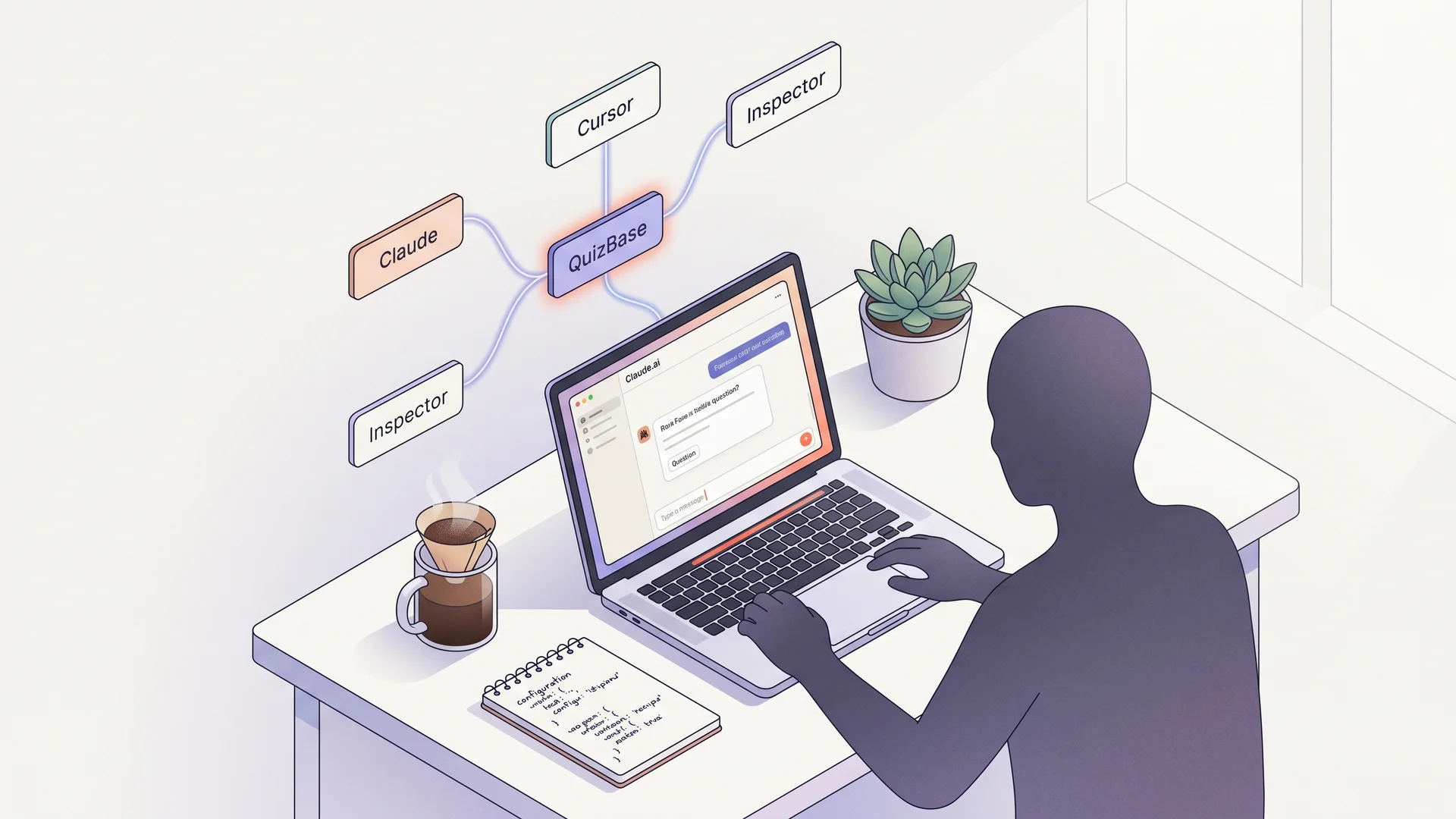
MCP server for Claude.ai, Cursor, and MCP Inspector#
QuizBase exposes a Model Context Protocol server at https://quizbase.runriva.com/mcp. Connect any MCP-capable client with your API key and Claude / Cursor / your agent calls QuizBase directly — no copy-pasting keys into prompts.
What you get#
- 12 tools mapping the public REST API 1:1 —
quizbase_random,quizbase_list,quizbase_question_by_id,quizbase_stats,quizbase_topics,quizbase_topic_by_slug,quizbase_tags,quizbase_subcategories,quizbase_categories,quizbase_languages,quizbase_regions,quizbase_report - 3 resources —
mcp://quizbase/categories,mcp://quizbase/languages,mcp://quizbase/topics/top-100 - 4 prompt templates —
build_quiz(multi-round),explore_topic(discursive),warmup_round(5-question icebreaker),client_mechanics_patterns(ID-driven mechanics) - Same rate limits and tiers as REST. 1
tools/call= 1 request.
Two paths to authenticate#
| Path | Best for | What you do |
|---|---|---|
| OAuth 2.1 + Dynamic Client Registration | Claude.ai (web / desktop / mobile), ChatGPT custom connectors, Gemini agents — anywhere the surface handles auth for you | Paste the URL. The host registers a client, opens a login window, asks you to authorize access. No key handling. |
| Bearer API key | Cursor, Continue, Claude Desktop, curl, server-side agents, your own code | Create a qb_pk_* key in the dashboard, paste it as Authorization: Bearer …. |
You can use both on the same account — they share the same per-user rate limit (free tier: 500 requests/day across REST + MCP + OAuth).
Get a key (for code-driven clients)#
Skip this section if you’re using Claude.ai web. For Cursor / Continue / scripts: open API keys and create a publishable qb_pk_* key. They are read-only and browser-safe. The free tier gives you 500 requests/day across all your keys against full production data.
Try it without installing anything#
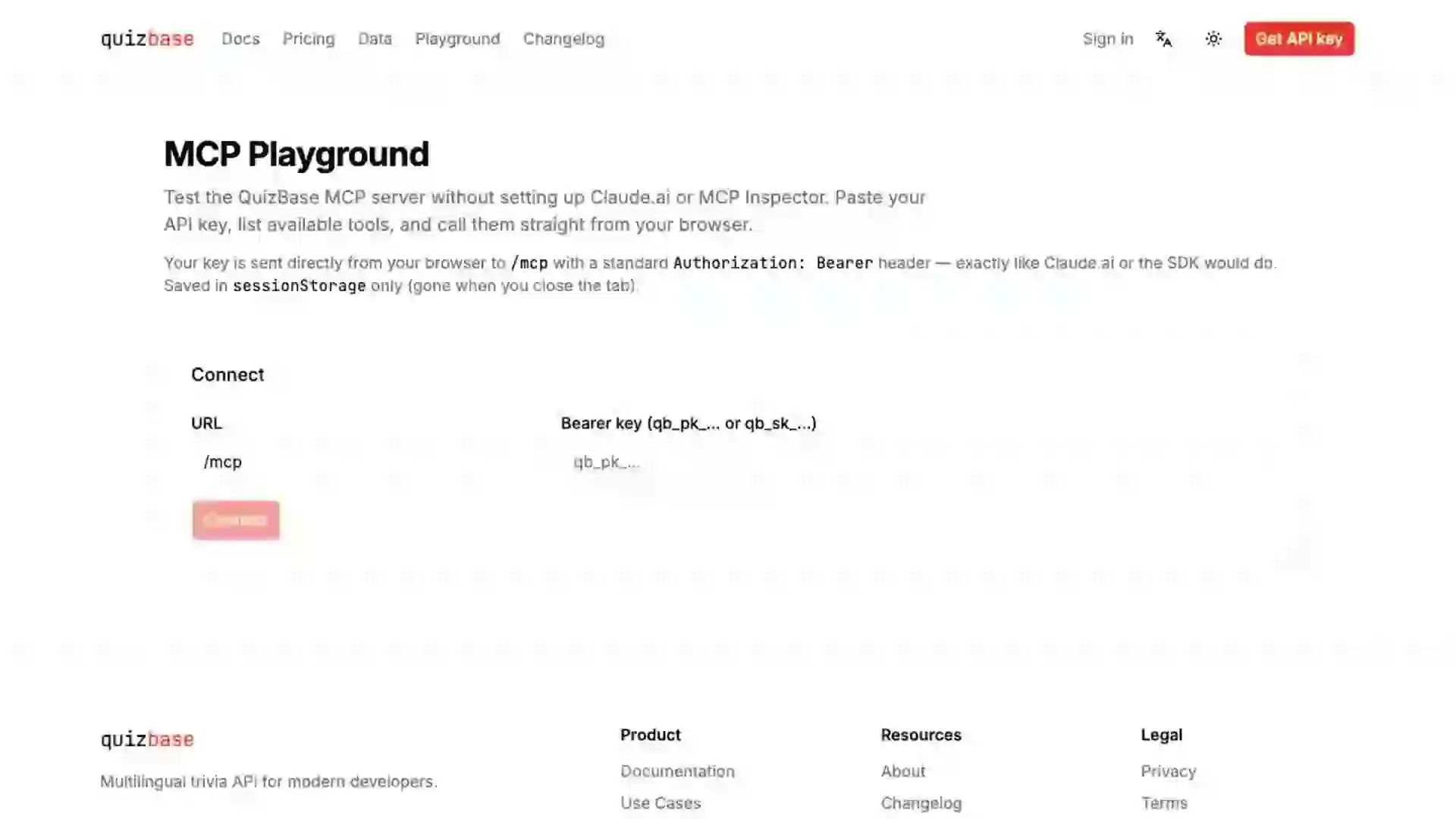
Skip the setup and try the server directly in our interactive playground. Paste your key, list the available tools, and call quizbase_random in two clicks — straight from your browser.
Connect — Claude.ai Custom Connectors (OAuth flow)#
- Open Claude.ai → Settings → Connectors → Add custom connector.
- URL:
https://quizbase.runriva.com/mcp - Click Add. Claude opens a QuizBase login window — sign in (or create a free account).
- You’ll see a consent screen: “Claude wants to access your QuizBase account: read questions, topics, tags, and statistics.” Click Allow.
- The connector goes green. The 12 tools appear in Claude’s tool picker.
That’s it — no key handling, the token lives inside Claude’s connector storage and refreshes for 90 days.
Try a prompt like “Build me a 3-round quiz on Star Wars in Polish, 5 questions per round.” — Claude will call quizbase_topics to resolve the topic, then quizbase_random per round.
Connect — Cursor (Bearer key)#
Cursor reads ~/.cursor/mcp.json:
{
  "mcpServers": {
    "quizbase": {
      "url": "https://quizbase.runriva.com/mcp",
      "headers": {
        "Authorization": "Bearer qb_pk_YOUR_KEY"
      }
    }
  }
}
Restart Cursor. Open the Composer — the tools are listed in the panel.
Connect — Claude Desktop (Bearer key or OAuth)#
Edit ~/Library/Application Support/Claude/claude_desktop_config.json (macOS) or %APPDATA%\Claude\claude_desktop_config.json (Windows):
{
  "mcpServers": {
    "quizbase": {
      "url": "https://quizbase.runriva.com/mcp",
      "headers": {
        "Authorization": "Bearer qb_pk_YOUR_KEY"
      }
    }
  }
}
Recent Claude Desktop builds also support OAuth — omit the headers block and Desktop will trigger the browser OAuth flow on first use.
Connect — MCP Inspector (development)#
The official MCP Inspector is the easiest way to explore the server interactively:
npx @modelcontextprotocol/inspectorIn the UI:
- Transport: Streamable HTTP
- URL:
https://quizbase.runriva.com/mcp(orhttp://localhost:5190/mcpagainst a local dev server) - Authentication: OAuth (Inspector handles the full flow against our
/.well-known/oauth-authorization-server) or Bearer withqb_pk_YOUR_KEY
Click Connect. The Tools / Resources / Prompts tabs let you invoke each surface manually.
Other MCP clients#
Anything that speaks Streamable HTTP and accepts a Bearer Authorization header should work. We have not verified the configuration shape for every client — open an issue or PR if you’d like a verified recipe added here.
- Windsurf — MCP-compatible, untested by us
- Continue.dev — MCP-compatible, untested by us
- Zed — MCP-compatible, untested by us
Example Claude conversation#
You: “Make a 5-question Polish quiz on European geography, medium difficulty.”
Claude calls
quizbase_random({ amount: 5, lang: 'pl', category: 'geography', difficulty: 'medium' })and formats the result as a numbered list with choices, an answer key, and an attribution footer (per CC license terms — required for redistribution).
Security notes#
- Prefer OAuth on agent surfaces (Claude.ai web/desktop/mobile, ChatGPT, Gemini). Tokens are scoped to
quizbase:read, expire after 1 hour, refresh transparently for 90 days, and can be revoked without rotating any keys. - Use
pkkeys for code-driven clients.sk(secret) keys also work but are designed for server-side use; pasting anskkey into a desktop or mobile UI exposes it more than apkshould ever be. - Revoke leaked keys immediately in API keys — revocation is enforced within seconds (24h grace for rotated keys). To revoke OAuth access for a specific app, email quizbase@gmail.com with the client name shown on the consent screen.
- PKCE S256 is required on the OAuth authorization flow — any client that tries
code_challenge_method=plainis rejected per OAuth 2.1. - DNS rebinding — the server only accepts requests for known hosts (the production domain, localhost, and internal preview hosts). Unknown
Hostheaders get a 403.
Tutorials using QuizBase MCP end-to-end#
This guide is the setup reference for connecting any MCP-capable client. If you want a complete worked example for a specific surface, follow these tutorials — they wire the connection above into a working app:
- MCP-powered Slack trivia bot — daily channel question, scoring, leaderboard via Claude Agent SDK plus Bolt SDK plus QuizBase MCP. About 80 lines of TypeScript.
- Daily trivia in Claude.ai Project — personal morning routine with streak artifact + Custom Connector setup in five minutes.
- Multi-MCP agent — QuizBase + Wikipedia — tool composition example. Same agent talks to two MCP servers, picks per turn.
See also#
- Authentication — key types and rotation
- GET /v1/questions/random — the REST endpoint that
quizbase_randomwraps - SDKs — MCP server — full tool / resource / prompt reference