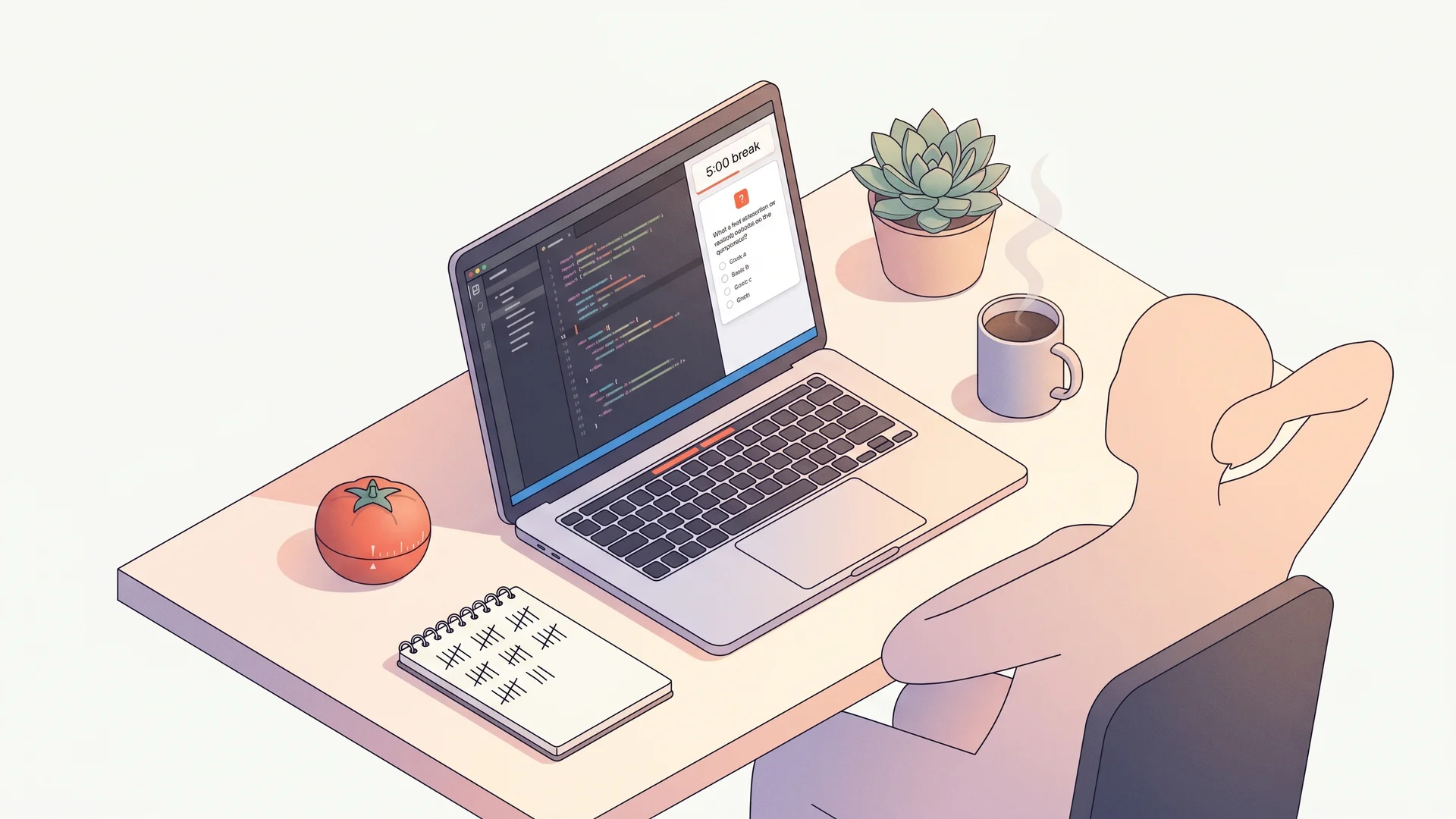
Cursor side-panel pomodoro with QuizBase trivia breaks#
Pomodoro is 25 minutes of deep focus followed by 5 minutes of context-switch rest. The rest period is where most people fall back into the same code or Slack — defeating the purpose. This guide builds a Cursor side-panel extension that enforces the break by serving one QuizBase trivia question per 5-minute window. You can’t keep coding (the focus session ended), and now the panel is showing a question that engages a different cognitive lane.
Cursor extensions are technically VS Code extensions (Cursor is a VS Code fork) — anything that runs in VS Code 1.85+ runs in Cursor. The webview API gives us a side panel where we render HTML/JS, and the extension activates qb.startPomodoro from the command palette.
What you’ll build#
A Cursor extension contributing a side-panel webview with:
- Start button triggers a 25-minute focus countdown (silent, just a tray badge)
- At minute 25 the panel fetches one QuizBase question and renders it with four answer buttons
- 5-minute break window — pick your answer, see correct + attribution, optionally tap “another”
- Streak tracking persisted in extension state — survives editor restarts
- Stable ID memo — last 50 question IDs are tracked client-side so back-to-back breaks never repeat (uses the same dedup pattern as the MCP Slack trivia bot)
The mechanic — seenIds for break dedup#
The streak only works if breaks present fresh questions. We keep seenIds: Set<string> in extension globalState; every fetch checks the set, refetches on collision (up to 3 retries), then adds the new ID. The Set is capped at 50 entries (FIFO) so we don’t grow unboundedly — after 50 breaks, oldest IDs roll out and become eligible again.
const SEEN_LIMIT = 50;

async function fetchUniqueQuestion(seenIds: string[], retries = 3) {
	const seen = new Set(seenIds);
	for (let i = 0; i < retries; i++) {
		const q = await fetchRandomQuestion();
		if (!seen.has(q.id)) {
			seen.add(q.id);
			// Trim FIFO if oversized
			const trimmed = [...seen].slice(-SEEN_LIMIT);
			return { q, seenIds: trimmed };
		}
	}
	throw new Error('Could not find an unseen question in 3 retries');
}
Same pattern documented at /docs/api/questions-by-id — stable UUIDs make client-side dedup trivial without backend state. The MCP Slack bot uses per-channel Map<channelId, Set<questionId>>; the Cursor extension uses a single workspace-wide Set.
Stack#
- Cursor 0.x or VS Code 1.85+ — both consume the same extension API
@types/vscode— VS Code typingsyo+generator-code— Microsoft’s extension scaffolder (npm install -g yo generator-code)- QuizBase publishable key —
qb_pk_*, free tier covers ~125 breaks/day per user (well above pomodoro cadence)
Step 1 — Get a QuizBase key and scaffold the extension#
Create a qb_pk_* key. The publishable kind is fine — the extension runs locally, key never leaves the user’s machine, and the free tier doesn’t bill on usage.
Scaffold the extension:
yo code
# Choose: New Extension (TypeScript)
# Name: cursor-quiz-pomodoro
# Identifier: cursor-quiz-pomodoro
# Bundler: webpack (default)
You get src/extension.ts with an activate() function and a package.json manifest. The webview panel goes here.
Step 2 — Wire the webview side panel#
In package.json contributes:
{
	"viewsContainers": {
		"activitybar": [
			{
				"id": "cursor-quiz-pomodoro",
				"title": "Pomodoro Quiz",
				"icon": "$(watch)"
			}
		]
	},
	"views": {
		"cursor-quiz-pomodoro": [
			{
				"id": "cursor-quiz-pomodoro.panel",
				"name": "Focus + Trivia",
				"type": "webview"
			}
		]
	},
	"commands": [{ "command": "qb.startPomodoro", "title": "Start pomodoro" }]
}
In src/extension.ts, register a WebviewViewProvider:
// src/extension.ts (excerpt)
import * as vscode from 'vscode';

export function activate(context: vscode.ExtensionContext) {
	const provider = new QuizPomodoroProvider(context);
	context.subscriptions.push(
		vscode.window.registerWebviewViewProvider('cursor-quiz-pomodoro.panel', provider)
	);
}

class QuizPomodoroProvider implements vscode.WebviewViewProvider {
	constructor(private context: vscode.ExtensionContext) {}

	resolveWebviewView(
		webviewView: vscode.WebviewView,
		context: vscode.WebviewViewResolveContext<unknown>,
		token: vscode.CancellationToken
	): void | Thenable<void> {
		webviewView.webview.options = { enableScripts: true };
		webviewView.webview.html = this.getHtml();
		webviewView.webview.onDidReceiveMessage((msg) => this.handleMessage(webviewView, msg));
	}

	private getHtml() {
		return `<!doctype html><html><body>
			<button id="start">Start 25-min focus</button>
			<div id="timer"></div>
			<div id="question"></div>
			<script>
				const vscode = acquireVsCodeApi();
				document.getElementById('start').onclick = () => vscode.postMessage({ cmd: 'start' });
				window.addEventListener('message', (e) => {
					const m = e.data;
					if (m.cmd === 'tick') document.getElementById('timer').innerText = m.remaining;
					if (m.cmd === 'show') renderQuestion(m.question);
				});
				function renderQuestion(q) { /* render Q + 4 buttons + attribution */ }
			</script>
		</body></html>`;
	}
}
Step 3 — Focus countdown + state persistence#
The Provider stores streak + seenIds in context.globalState (persists across restarts):
async function handleMessage(view: vscode.WebviewView, msg: any) {
	if (msg.cmd === 'start') {
		await this.startFocus(view);
	}
}

private async startFocus(view: vscode.WebviewView) {
	const FOCUS_MS = 25 * 60 * 1000;
	const startedAt = Date.now();
	const interval = setInterval(() => {
		const remaining = Math.max(0, FOCUS_MS - (Date.now() - startedAt));
		view.webview.postMessage({ cmd: 'tick', remaining: Math.ceil(remaining / 1000) });
		if (remaining === 0) {
			clearInterval(interval);
			this.startBreak(view);
		}
	}, 1000);
}
Step 4 — Break: fetch unique question and surface attribution#
private async startBreak(view: vscode.WebviewView) {
	const seenIds = this.context.globalState.get<string[]>('seenIds', []);
	try {
		const { q, seenIds: nextSeen } = await fetchUniqueQuestion(seenIds);
		await this.context.globalState.update('seenIds', nextSeen);
		view.webview.postMessage({ cmd: 'show', question: q });
	} catch (e) {
		view.webview.postMessage({ cmd: 'error', message: 'Could not fetch fresh question' });
	}
}
Where fetchRandomQuestion is a plain fetch to QuizBase REST:
async function fetchRandomQuestion() {
	const key = vscode.workspace.getConfiguration('quizPomodoro').get<string>('apiKey');
	const r = await fetch('https://quizbase.runriva.com/api/v1/questions/random', {
		headers: { 'X-API-Key': key! }
	});
	return r.json();
}
User sets the key once via VS Code Settings (quizPomodoro.apiKey). The webview HTML renders q.text, four shuffled choices, and the attribution line:
<small style="opacity: 0.6">Source: ${q.attribution.author} (${q.attribution.license})</small>The attribution line is required by QuizBase content licenses — see /data for full rules. Don’t ship without it.
Step 5 — Streak tracking + answer feedback#
When the user clicks a choice button, the webview posts back { cmd: 'answer', correct: true | false }. Provider updates the streak:
if (msg.cmd === 'answer') {
	const streak = this.context.globalState.get<number>('streak', 0);
	const newStreak = msg.correct ? streak + 1 : 0;
	await this.context.globalState.update('streak', newStreak);
	view.webview.postMessage({ cmd: 'streakUpdate', streak: newStreak });
}
Persist across editor restarts. Show the streak in the panel header — gamifies the break, encourages users to come back for the next pomodoro.
Pitfalls#
- Webview state is per-panel — if user closes the panel mid-focus, the countdown evaporates. Persist
startedAtto globalState to recover on reopen. - API key in workspace settings is visible to teammates in a shared
.vscode/settings.json. Use User Settings (quizPomodoro.apiKeyin user-level config) instead. vscode.workspace.getConfigurationis sync, no await — easy to forget.- Cursor’s Composer side panel takes precedence if user has Composer open in the same view container. Drop your view in a custom container (see Step 2
viewsContainers).
What next#
- Categories preference — let user filter to specific categories via Settings UI
- Polish mode — draw with
?lang=plfor Polish questions, or map an existing set with?ids=…&content_language=pl.?lang=localizes labels; question text comes from the record’s language. See languages and translations for the language matrix - Daily streak goal — count breaks per day, set a goal of 5/day, surface streak status in the status bar
- Pair with Claude.ai Project for daily quizzes — same trivia content, different surface (mobile commute + desktop coding session)
Ready to wire it? Grab a free publishable key, yo code to scaffold, copy the snippets, publish to Open VSX (or just install locally with code --install-extension cursor-quiz-pomodoro-0.1.0.vsix). Bug? POST /api/v1/report accepts question feedback by stable ID.